
Advertisement
Click to download now, finish the installation quickly, and directly unlock the all-round experience
Advertisement
Screenshots
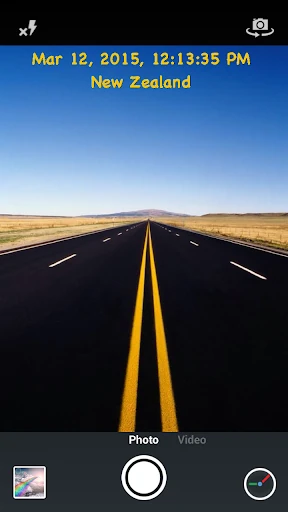
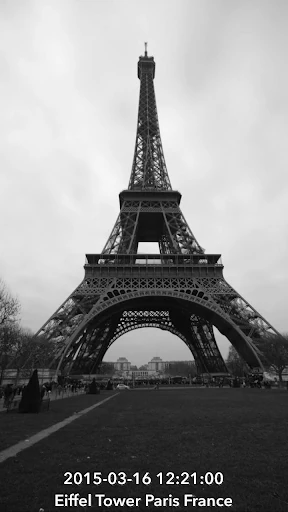
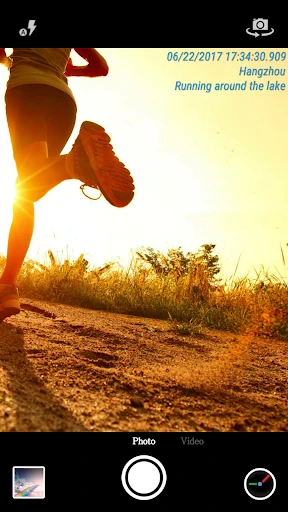
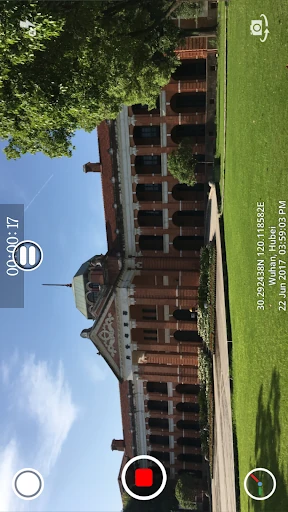
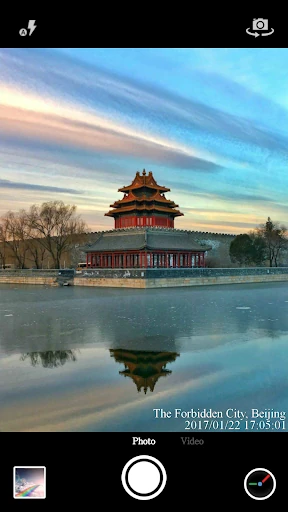
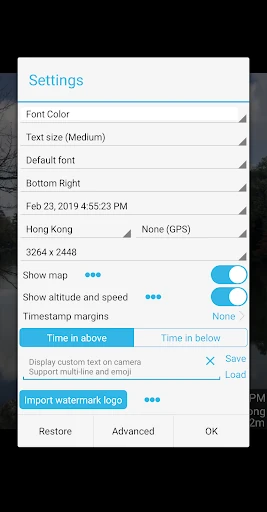
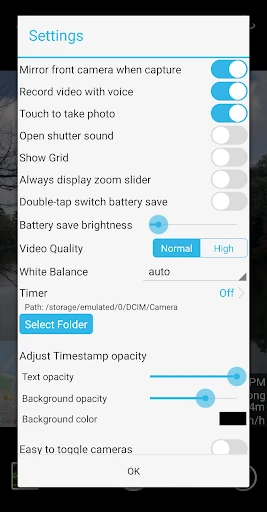
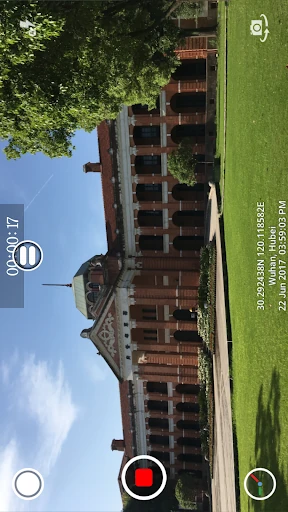
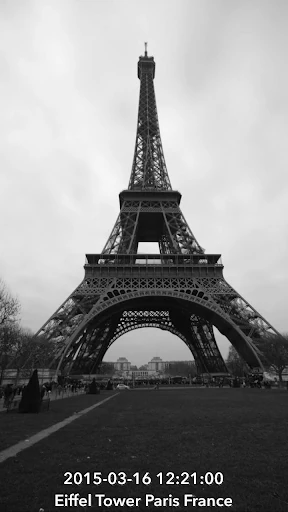
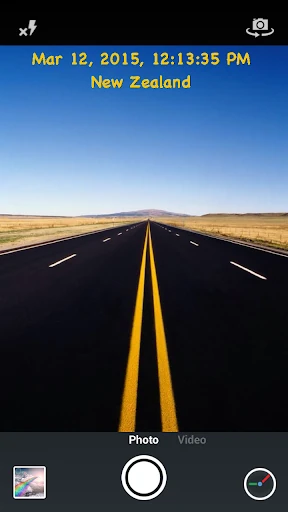
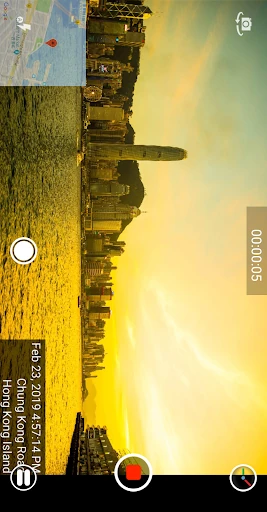
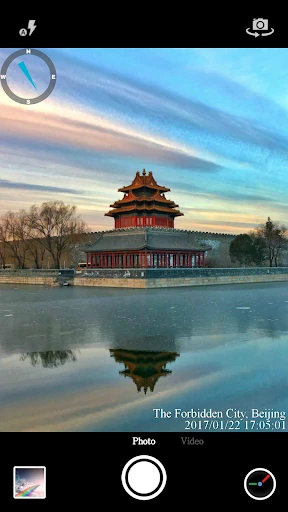
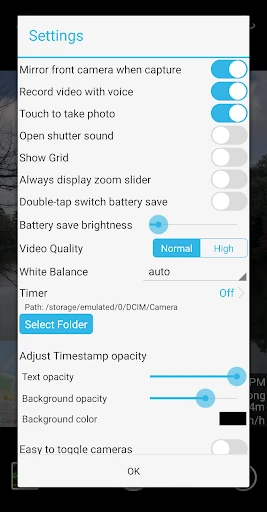
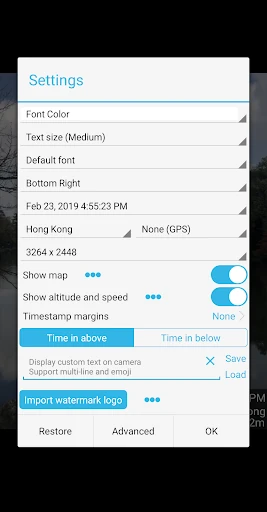
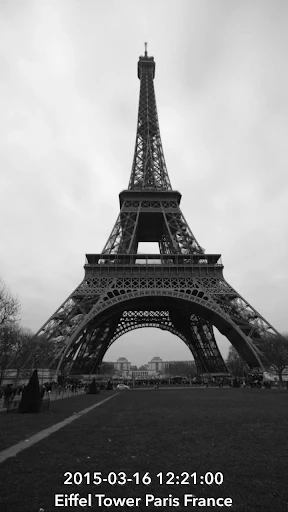
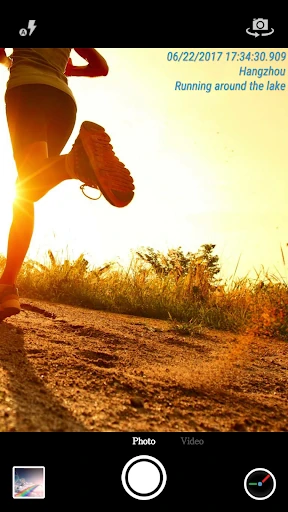
Click to download now, finish the installation quickly, and directly unlock the all-round experience
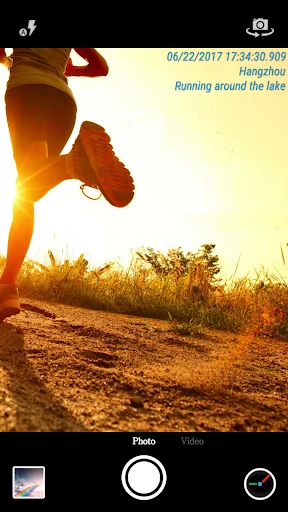
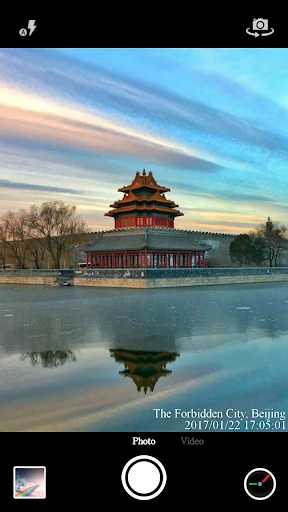
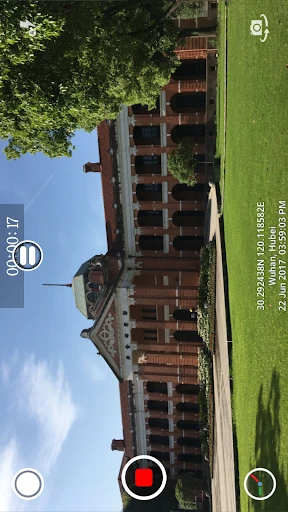
Timestamp Camera adds a visible date and time stamp to photos and videos as you capture them. It is for people who need a record that can be read without opening file details: for example, documenting work, keeping a dated record of a place, or noting when an event was filmed. The stamp is part of the image, rather than a separate note to add later.
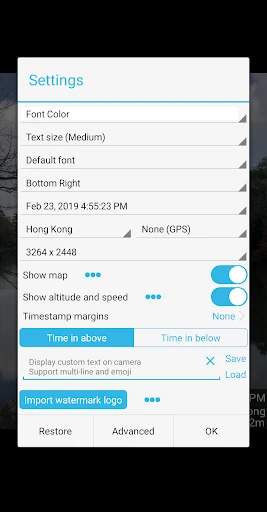
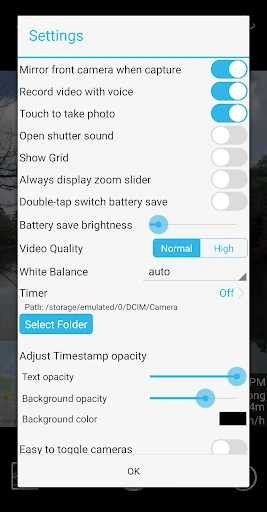
The overlay can include location information such as GPS coordinates or an address, along with details like altitude and speed. You can adjust how the stamp looks and where it appears, and add custom text or a logo. Those options make the app useful for field records and work photos, though anyone who only wants a simple camera may find the extra settings unnecessary. Location details require location access; without it, the app cannot include them.
A visible stamp is convenient, but it also changes the picture: the date, text and other selected details appear on the captured image or video. Check the preview and settings before taking an important shot, especially if you want an uncluttered frame. Using location information also means considering whether you want those details shared when you send the image to someone else.
Timestamp Camera is listed in Photography and is developed by Bian Di. Its Google Play listing has a 4.66-star rating from about 377,000 reviews, with more than 50 million installs. Those figures suggest it has found a broad audience among people who want dates, times or location details visibly attached to their captures. It is best suited to documentation rather than editing photos for appearance.